

Your nail salon’s POS may accept cards during an internet outage—but only with a supported setup, and acceptance does not always mean successful collection. Square and Shopify document offline payment options with restrictions. Before buying, require a demonstration of preparation, checkout, reconnection, and failed-payment handling.
This guide draws on Square and Shopify documentation reviewed on November 16, 2026—not independent reliability testing. The goal is to establish what your front desk can finish when the connection drops, what remains pending, and how staff recover afterward.
Separate recording a sale from collecting payment
An outage demonstration should answer three distinct questions: Can staff record the sale? Can the system accept the card? Has the payment successfully processed?
Square’s offline-payment instructions make sellers responsible for expired, declined, or disputed offline payments. Shopify’s instructions describe pending payments becoming paid or declined after processing, alongside conditional real-time authorization for POS Terminal. Not every workflow called “offline” handles authorization identically.
Ask the vendor to show the status staff see before the client leaves, the status that confirms collection, and what happens if payment fails later. Obtain the applicable loss-allocation and dispute terms in writing.
Buying rule: record each critical requirement as demonstrated, documented, or unresolved. A feature demonstrated in one configuration is not proof that it works in another.
Confirm the exact equipment and advance setup
Start with the proposed checkout station—not the vendor’s general feature list.
Square lists supported hardware and apps, including Square Appointments, but excludes its POS services mode. Phone Tap to Pay, manually entered cards, and Square Gift Cards are also unsupported offline. Confirm the reader generation, app, mode, and account settings against Square’s configuration restrictions.
Shopify specifies POS version 9.14.0 or later, a compatible reader, administrator activation, and staff permission. Its examples include Tap & Chip and POS Terminal; confirm the configuration available for your U.S. salon. Swipe, phone Tap to Pay, and manual card entry are unsupported offline. POS Terminal’s offline arrangement requires the local Wi-Fi network to remain operational. These conditions appear in Shopify’s setup instructions.
Request a written equipment sheet covering:
- Hardware model and generation, operating system, app version, and POS mode.
- Processor, subscription, required accessories, and staff permissions.
- Settings that must be enabled while connected.
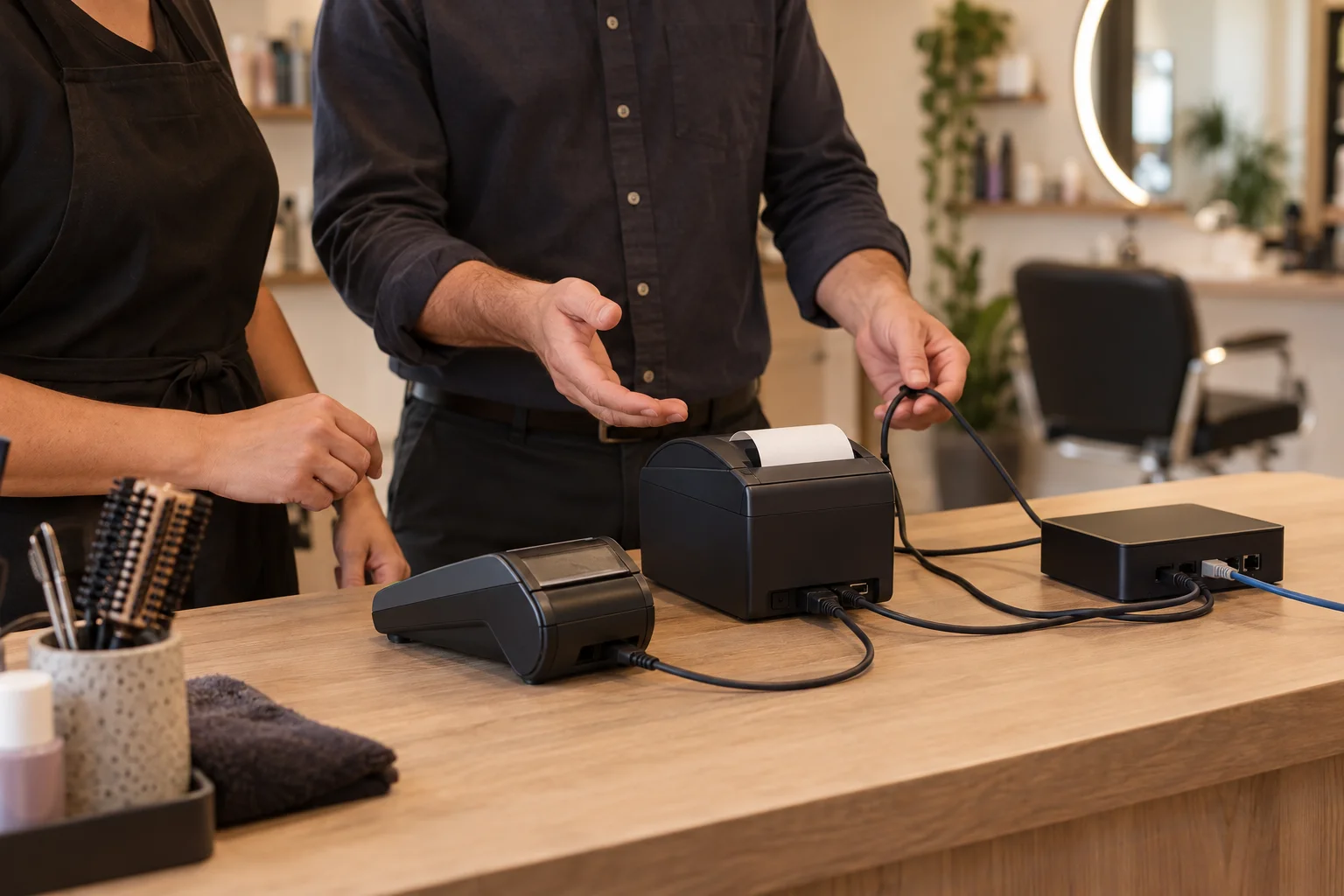
- Connections that must remain active between the POS, reader, printer, and network.
Have the vendor demonstrate with the front desk’s actual permissions. Ask whether an administrator must be available during an outage.
Run a realistic salon checkout demonstration
Use sample orders and the vendor’s approved test procedure. First disconnect the internet while leaving the local network operating. Ask separately how router failure, a processor disruption, and power loss change the answer; one demonstration does not establish protection against all four.
| Demo step | What to establish |
|---|---|
| Build the sale | Enter a service, add-on, retail item, and technician assignment. Note unavailable steps. |
| Try payment methods | Demonstrate supported insertion and tapping. Ask separately about debit routing, wallets, split tenders, cash, and gift cards. |
| Add a tip | Show whether gratuities can be entered and retained. |
| Check exposure controls | Show transaction and device limits, pending totals, warnings, and override permissions. |
| Produce a receipt | Confirm the proposed printer connection and the payment status shown. |
| Reconnect | Locate pending, successful, and declined payments; explain how staff avoid collecting twice. |
Shopify illustrates why card acceptance is not enough: its offline-features documentation lists tips, gift-card sales and redemption, customer search/edit/create, and exchanges/returns/voids as unavailable. Orders and inventory cannot synchronize while disconnected; third-party app availability depends on the app’s offline support.
Shopify also requires a customer phone number or email for offline sales. Ask the vendor to demonstrate that collection step using its offline-payment instructions; it does not establish full customer-profile access.
Appointment access and technician attribution need separate demonstrations. If a required salon workflow fails, decide whether a documented temporary procedure is acceptable—or whether you need another continuity option.
Distinguish acceptance windows from upload deadlines
For supported Square Readers and Stand, Square describes a 24-hour offline acceptance session and requires upload within 72 hours of the session’s start. It recommends uploading within 24 hours. Register, Terminal, and Handheld also have a 72-hour upload limit. Although a subsection heading says “24 hours to upload,” the detailed text distinguishes the recommendation from the requirement. Check the instructions for your equipment in Square’s timing guidance.
Shopify recommends reconnecting as soon as possible, ideally within 24 hours. Its selected payment document gives no explicit hard expiration deadline; do not treat the recommendation as one. Request the applicable deadline and consequences in writing, using Shopify’s reconnection guidance as the starting point.
Preserving pending transactions matters, too. Square warns that signing out, deleting the app, switching modes or locations, or factory-resetting can permanently lose pending payments. Shopify warns that logging out or powering off may lose offline orders.
Keep the vendor’s recovery instructions accessible without internet. Ask for outage-support hours and escalation options rather than leaving staff to improvise a restart.
Compare offline cards, backup connectivity, and cash
These options can complement one another. Choose according to the workflow you need to preserve, the failures each option addresses, and the cost and collection risk you can accept.
| Approach | When to consider it | What to quote and test |
|---|---|---|
| Offline card acceptance | You can tolerate restricted checkout and potentially delayed collection. | Compatible equipment, software, processing fees, training, reconciliation labor, and uncollected-payment exposure. |
| Backup connectivity | Preserving ordinary online checkout is the priority. | Hotspot or cellular router, data plan, coverage at the counter, device compatibility, switching time, and power arrangements. Ask which failures it cannot address. |
| Cash fallback | Your salon can administer cash and the client can pay that way. | Drawer and key access, receipt supplies, change, secure storage, and later reconciliation. Do not assume every client carries cash. |
For Shopify, compatible receipt printers can work through specified local connections, and a cash drawer can be opened manually with its key. Confirm your proposed accessories against its offline hardware guidance.
First-year continuity budget: incremental equipment + setup and training + 12 months of recurring charges + maintenance and testing allowance.
Keep potential payment losses separate from vendor fees. Treat a cash float as operating money set aside, not an equipment expense. This guide establishes no current equipment, subscription, or carrier prices; request itemized quotes and include continuity costs in your nail salon startup budget.
Make recovery part of purchase sign-off
Before approving a purchase, ask staff to explain how they would finish an outage—not merely start accepting payments. Adapt this proposed sequence to the vendor’s instructions:
- Assign one person to oversee reconnection and preserve affected devices.
- Match outage receipts and order identifiers to payment statuses.
- Separate pending and declined payments from successfully collected payments.
- Check service totals, gratuities, technician attribution, and temporary cash records.
- Resolve uncertain statuses before attempting collection again.
- Record unresolved amounts and follow the provider’s support procedure.
Use vendor-supported payment procedures, not a fallback that asks staff to write down card details. Carry unresolved transactions into your monthly reconciliation checklist.
Sign off only when you have a supported equipment list, a demonstrated checkout workflow, written timing and risk terms, and a recovery procedure your front desk can explain. An unresolved essential requirement is a reason to pause the purchase, not assume it will work.

Buy against your salon’s complete outage workflow, not an “offline mode” label. The right setup is one whose limitations you understand, whose costs you have budgeted, and whose pending transactions your team knows how to preserve and reconcile.